 Tagrid
Batch-edit audio tags
A completely free macOS app that edits the ID3 tags of your audio files in a spreadsheet-like window.
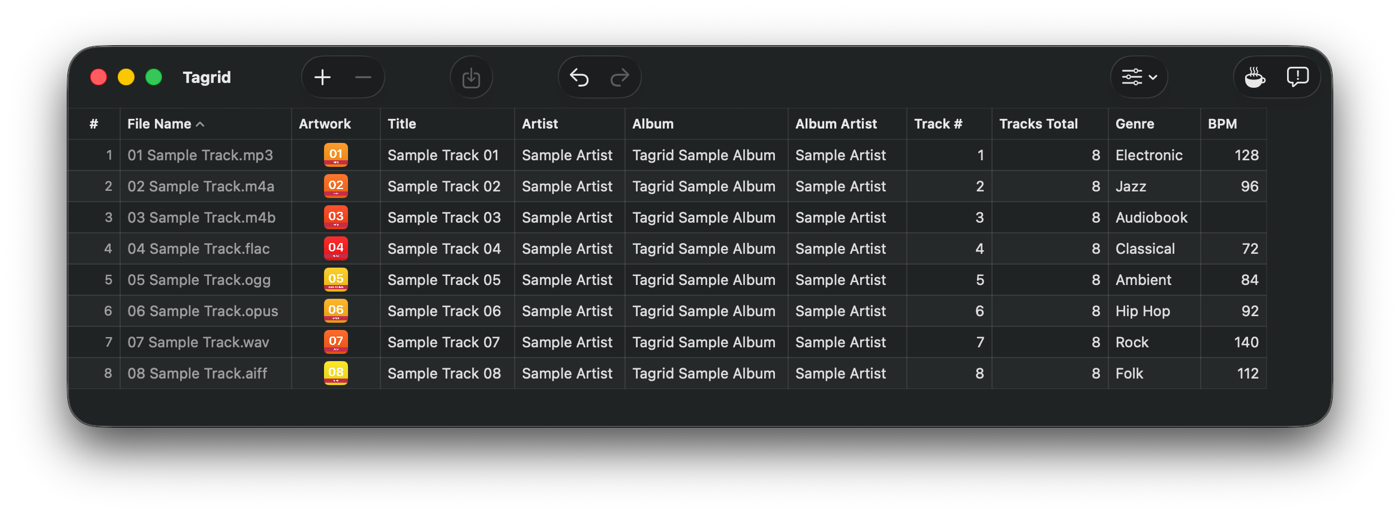
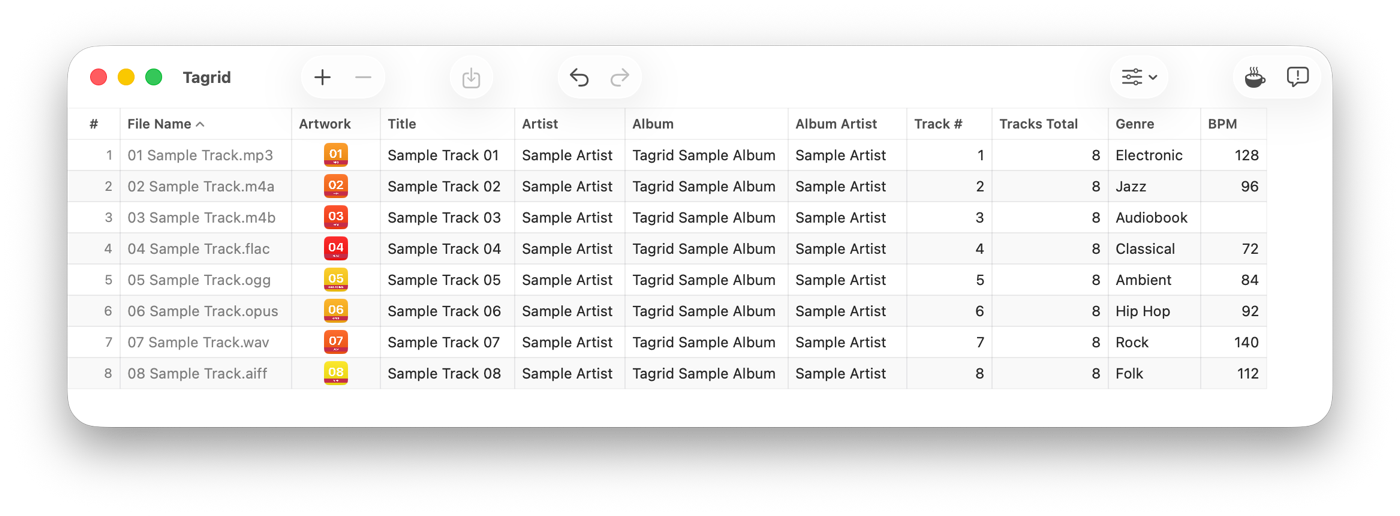

Tagrid
macOS 26.5 or later (Apple Silicon and Intel)
What it does
No more opening files one at a time.
-
Fill a whole selection at once
Copy one value, select a range, paste — and every selected cell takes that value. Lining up an album name or an album artist takes a second.
-
Paste in from a spreadsheet
A range copied from Excel or Numbers goes in with its shape intact. Write out the running order and the titles first, then pour the whole thing in.
-
Works with any input method
Tagrid was made in Japan. Languages that type through conversion, such as Japanese and Chinese, go in smoothly.
-
Artwork in bulk too
Copy an image and set it on every selected row at once. Exporting and removing happen in the same place.
-
Fills in empty tags
When files are loaded, empty Title, Album, Track # and Tracks Total are filled in from the file and folder names.
-
Never damages the original
Tagrid does not rewrite a file in place. It writes to a copy and then swaps the contents in, so a write that fails part way through leaves the original intact.
Supported formats
- AIFF.aiff
- FLAC.flac
- M4A.m4a
- M4B.m4b
- MP3.mp3
- Ogg.ogg
- Opus.opus
- WAV.wav